PBX Business Phone System built for Modern Teams
The Cloud-PBX that grows with you
-
Full control over numbers, users and call flows
-
Advanced business features for tailored phone systems
-
Pay-as-you-go billing model

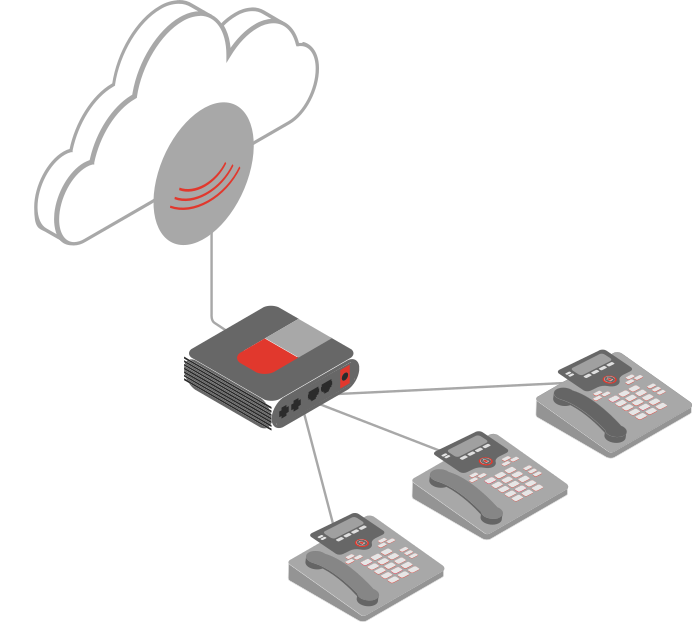


Modernize Your Business Phone System with Cloud-PBX
Switch from inflexible phone setups to a powerful, cloud-based PBX system. VoIP.ms gives your business the freedom to scale, customize, and manage communications from anywhere, without the hassle of traditional infrastructure.
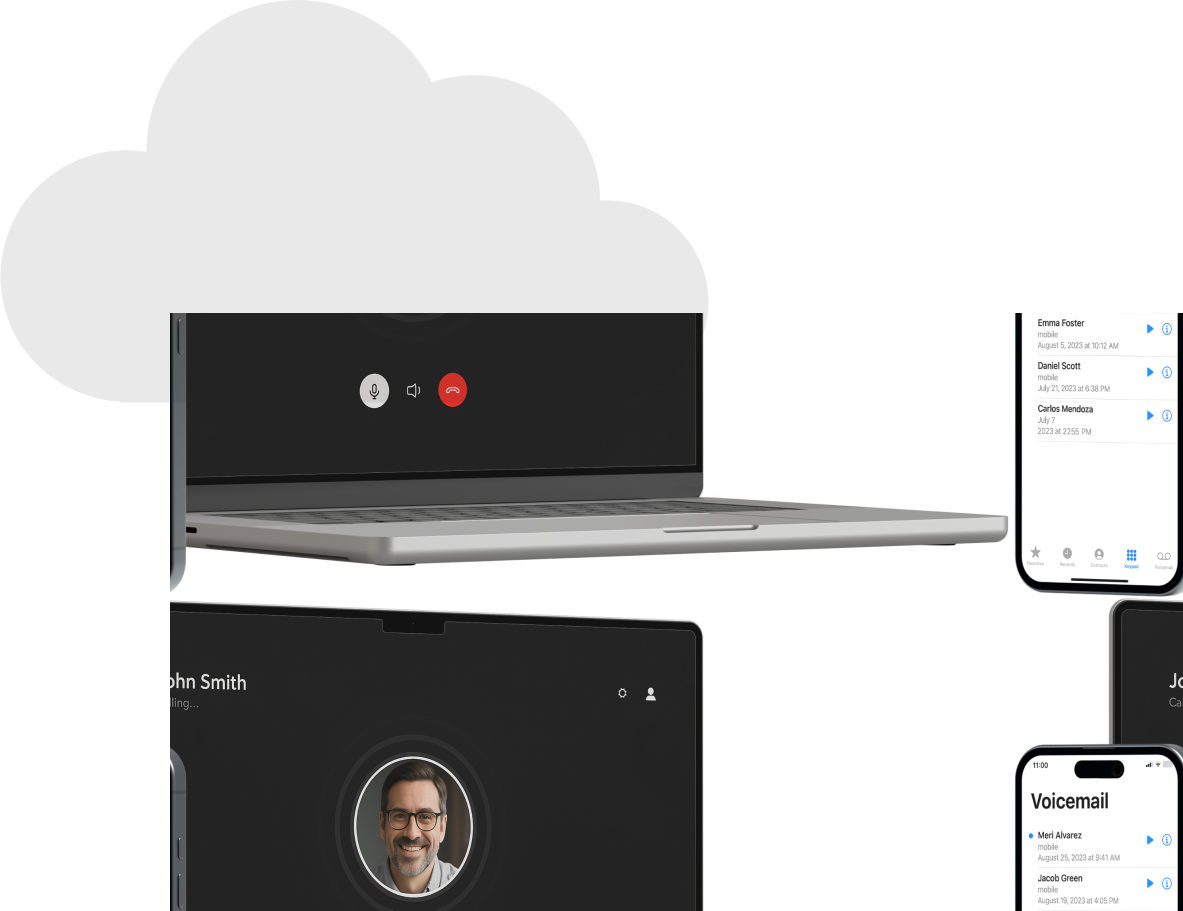
Instant Setup, No Hardware Required
Launch a full-featured business phone system without waiting on installs or tech visits.
Built for Hybrid and Remote Teams
Connect your team from anywhere with softphone access, mobile apps, and Teams integration.
Add Users, Lines, or Features Anytime
Scale up or down on demand, no long-term contracts or tech reconfigurations.
Stay in Control with Easy Self-Management
Manage numbers, users, and call flows from a single dashboard in your Customer Portal.

Absolutely sensational experience, low cost, competitive pricing models and coupled with an onsite PBX or Desk IP phone. Pay by the minute of use is an exceptional pricing model... pay nothing for what you don't use!
- Michael S., CIO

Self-Hosted PBX vs. Cloud-Based PBX
Compare setup, cost, and flexibility to find the right PBX system for your business.
Self-Hosted PBX
- Might require physical hardware on-premises
- Higher upfront cost
- Requires internal IT staff or third-party support
- Might limit scaling
Cloud-PBX
- Hosted online by a service provider
- Low upfront cost, pay-as-you-go monthly fees
- Managed entirely by the provider
- Easily scalable with just a few clicks
Big-time features without the big-time costs
Pay for only what you use. Access over 70 advanced features, including international calls, call forwarding, and voicemail-to-email.


Call routing
Intelligent call routing and multi-party conferencing to keep your team connected.

Advanced Security
Enterprise-grade security features to keep your business communications protected at all times.

24/7 Support
Round-the-clock customer support to help you whenever you need assistance.

International Calling
Competitive rates for international calls to connect with clients and partners worldwide.
Connect your team with reliable calling and integrated apps. Getting started is easy!
01. Create your free VoIP.ms account
Sign up in minutes with no contracts, and no hidden fees. Access a feature-rich platform designed to scale with your business.
02. Set up your PBX system
Customize call routing, voicemail, Digital Receptionist, and over 70 advanced features. Or integrate seamlessly with your preferred PBX solution.
03. Add numbers, start calling
Buy new local, toll-free, or international numbers, or port your existing ones. Assign them and start making high-quality calls with 24/7 support.
VoIP.ms Softphone App
Use the VoIP.ms Softphone with our PBX for flexible calling from any device via your VoIP.ms account.
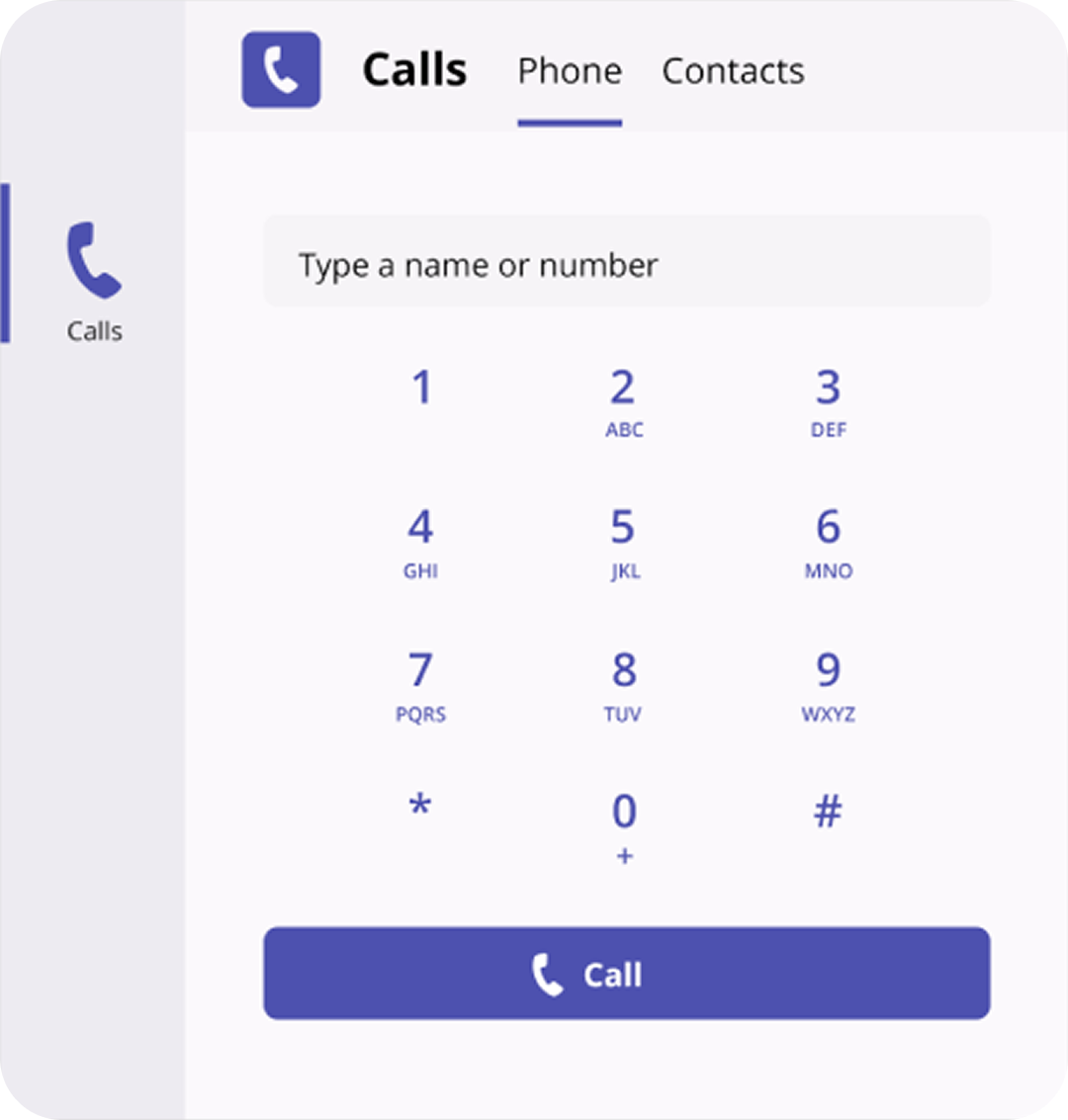
Microsoft Teams Integration
Connect VoIP.ms with Teams for native calling, messaging and more advanced features.
The support you need to do it right
Our knowledge base guides you and your team every step of the way.

Easy to follow video tutorials
Step-by-step video guides for a seamless account setup and configuration.

PBX Basics: Everything You Need to Know
Learn what PBX is, how it works, the main types, and how each supports business communication.

In-depth support guides
Access our community Wiki with detailed guides and troubleshooting help.
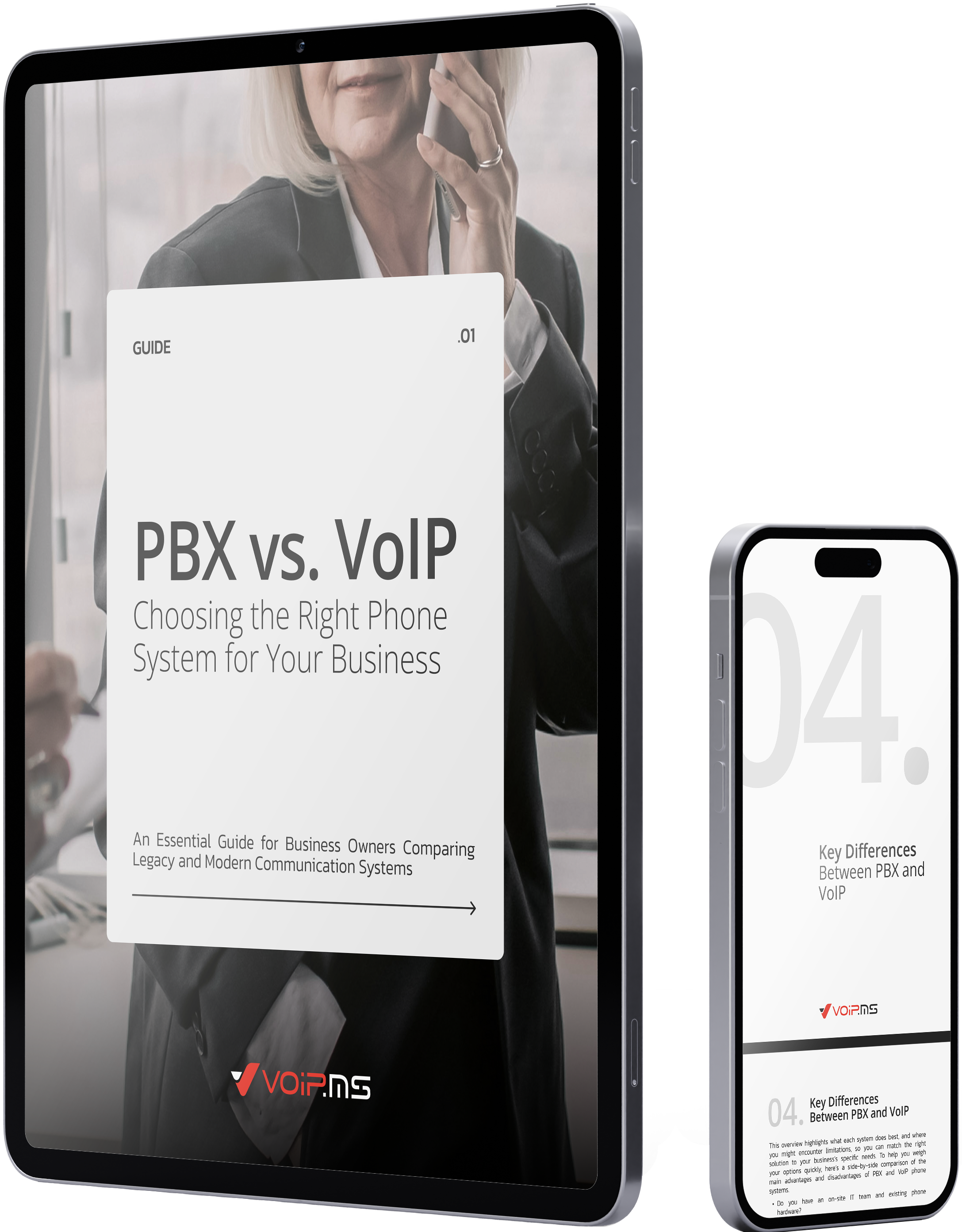
Get the Self-Hosted vs. Cloud-PBX Guide
Our free guide lays out definitions, features, and pros & cons so you can compare Self-Hosted and Cloud-PBX with confidence.
If you're rethinking your phone system, get the insights you need to make the right call.

Ready to modernize your business phone system?
From setup to support, VoIP.ms makes switching from legacy systems simple.

Common questions about PBX business phone systems
Is PBX a good option for small companies?

Yes, many companies rely on a private branch exchange (PBX) as a core part of their telephone system. Modern businesses often upgrade to Cloud-PBX (or Hosted PBX) solutions, which integrate with VoIP technology and mobile apps, while still supporting traditional on-premise PBX systems. These solutions efficiently route incoming calls and manage desk phones and landlines, ensuring robust call management for small and big businesses alike.
What is the difference between PBX and VoIP?
Essentially, PBX refers to the system's infrastructure while VoIP describes the method (or protocol) for making and receiving phone calls. Traditional PBX systems are on a private telephone network, often using analog technology or an on-premise PBX setup, whereas Voice over Internet Protocol (VoIP) converts phone calls into digital data transmitted via an internet connection. VoIP PBX systems can integrate with other apps and offer features like auto attendants and interactive call management.
What is a Hosted PBX?
A Hosted PBX (or Cloud-PBX) is a cloud-based communications solution where the PBX functionality is managed off-site by a service provider, eliminating the need for on-site hardware. It uses an internet connection to route incoming calls. Hosted PBX systems are designed for scalability and integrate easily with mobile apps, voip phone systems, and other communication solutions.
How much does it cost to install a PBX phone system for a business?
Installation costs for a PBX phone system vary depending on whether you opt for an on-premise PBX, Hybrid PBX, or Cloud phone system. On-premise solutions often involve higher upfront costs for hardware, while Cloud PBX providers typically offer monthly subscription fees. Additional expenses may include SIP trunking, desk phones, and apps for enhanced call management and messaging.
What scalability options should IT teams consider when implementing a PBX system?
IT teams should consider solutions that easily scale by adding users and integrating additional apps, SIP trunking, and advanced call management features. Both Cloud PBX and Hosted PBX systems offer customizable scalability that accommodates growth without heavy investments in hardware.
Which security protocols are essential for safeguarding a VoIP-based PBX business phone system?
Essential security protocols include encryption for data transmitted over an internet connection, secure authentication methods, and robust firewall protections.
How can a Hybrid PBX solution support remote work while maintaining system integrity?
A Hybrid PBX solution combines on-premise PBX with Cloud-PBX elements to deliver a flexible and secure communication system. It supports remote work through mobile apps, web browser access, and unified communications features, ensuring seamless call management and messaging. This type of configuration routes incoming calls, integrates with contact center solutions, and maintains system integrity across both traditional desk phones and modern cell phones.
Related Content
Blog
How To Choose the Best PBX Business Phone System
Learn how to evaluate and select the right PBX system for your company—from on-premise to hosted and hybrid setups.
Read More
Blog
The Two Types of PBX Phone System You Need to Know
Understand the differences between On-Premise and Cloud-Based PBX solutions to choose the right setup for your business.
Read More
Blog
How to Choose the Best Asterisk-Based PBX for Your Business
Explore how Asterisk-powered PBX systems offer scalable, open-source calling solutions with advanced features like IVR, call routing, and more.
Read More
Blog
How a PBX Phone System Works
Discover how PBX systems combine VoIP, SIP, and PSTN technologies to create flexible, cost-efficient communication for modern businesses.
Read More